BLURRR
About Us
Contact US
Privacy Policy
Terms & Conditions
Games
Blogs
Advertisement
ALL GAME
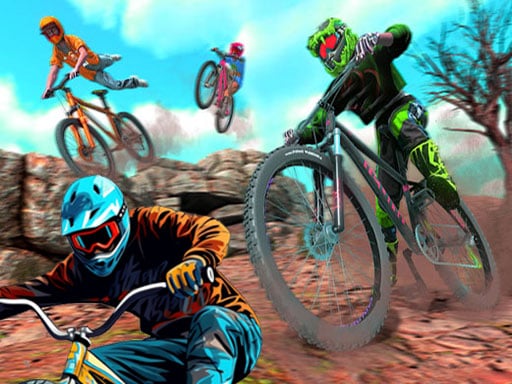
Bike Stunt BMX Simulator
Instruction:
WASD - move Shift - sprint Space - jump
Racing
4.3
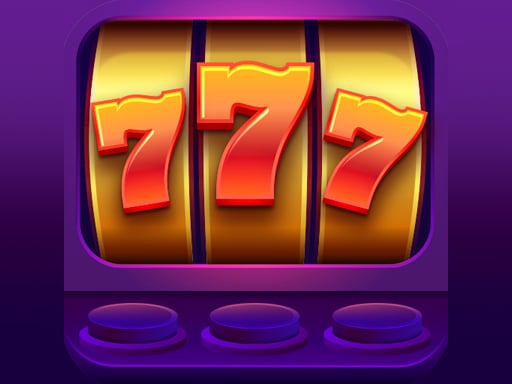
Lucky Vegas Slots
Instruction:
Spin the slots and match the pictures The more matching pictures you get in a line the larger the payout you receive
Arcade
4.5
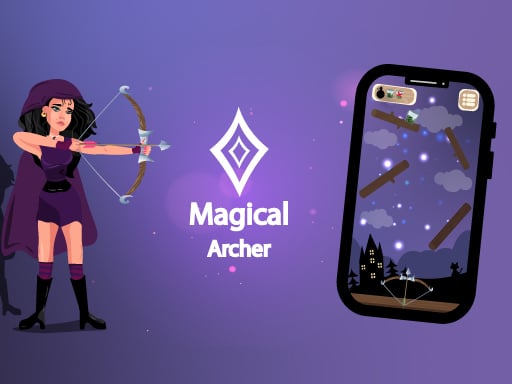
Magical Archer
Instruction:
Mouse click or tap to play
Shooting
5.0
Flappy Skibidi
Instruction:
Mouse to play
Hypercasual
4.6
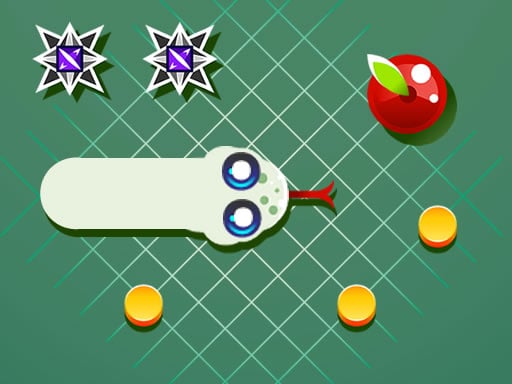
Funny Snake
Instruction:
Use your mouse or tap on the screen or use the left and right arrow keys on your keyboard
Arcade
5.0
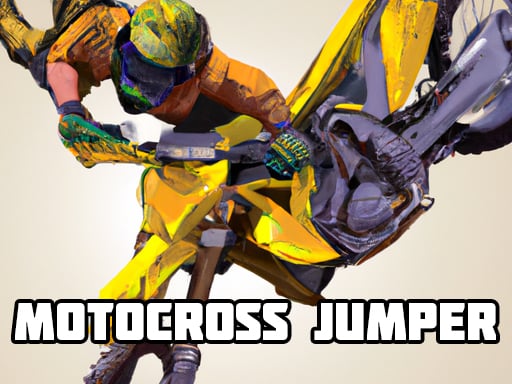
Motocross Jumper
Instruction:
UP Accelerate LEFT Rotate Left Right Rotate Right Mouse To move in the
Racing
4.9
Moon Adventure
Instruction:
W A S D or Arrow Keys Movement When you enter the game from a mobile device you can use the touch controls on the screen
Adventure
4.7
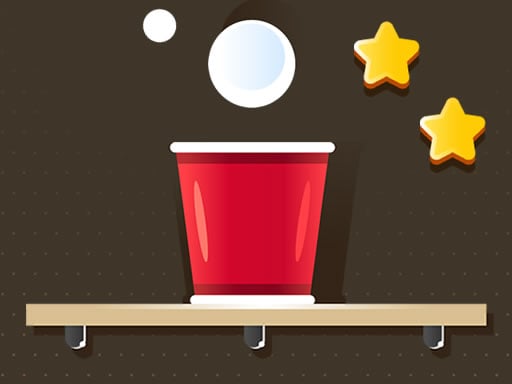
Fill the Cup
Instruction:
Mouse click or tap to play
Hypercasual
4.2
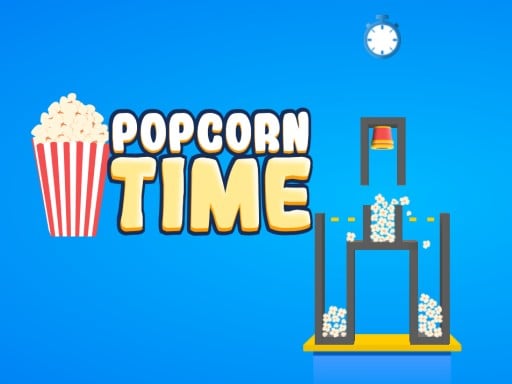
Popcorn Times
Instruction:
- Touch and hold on the screen to make popcorn - Fill the container with popcorn until it is full - Wait for the timer to run to ensure you have successfully filled the container with popcorn
Arcade
4.3
Girls Prom Dress Fashion
Instruction:
Desktop Mouse click and drag to play Mobile Tap and slide to play
Girls
4.9
Valentine Hidden Heart
Instruction:
Tap the hidden Heart
Puzzle
4.1
Baby Taylor Little Princess Makeover
Instruction:
Desktop Mouse click and drag to play Mobile Tap and slide to play
Girls
4.6
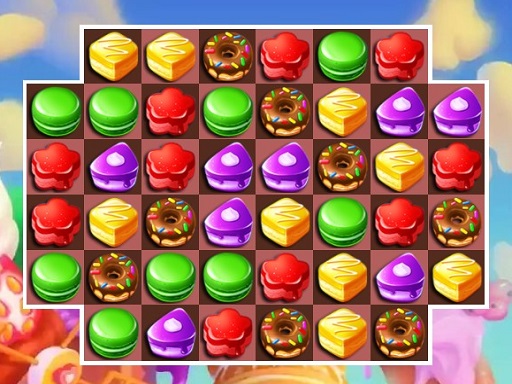
Cake Match3
Instruction:
mouse or tap
Puzzle
4.3
Cosmo Pet Starry Care
Instruction:
Depending on the gaming device a computer mouse click or a simple touch on touch screens is used for control
Girls
4.4
Kitty Cat
Instruction:
Mouse click or tap to play
Arcade
4.5
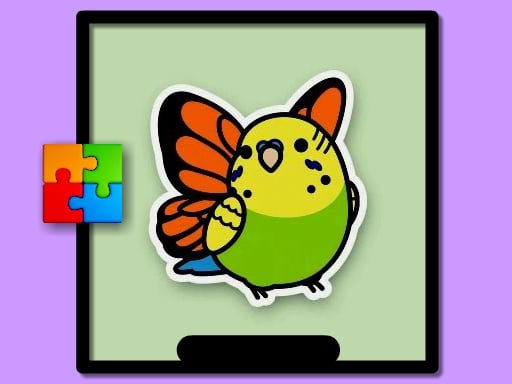
Cute Budgie Puzzle
Instruction:
Use mouse to play
Puzzle
4.7
Perfect Snapshot
Instruction:
Slide the screen to move the Buddy
Hypercasual
4.0
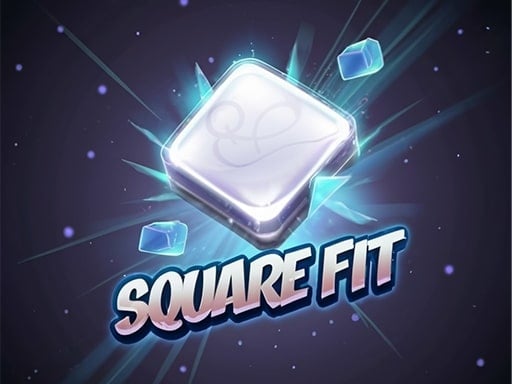
Square Fit
Instruction:
Tap and hold to grow the square and then release to drop it Your task is to get into the target area
Hypercasual
4.9
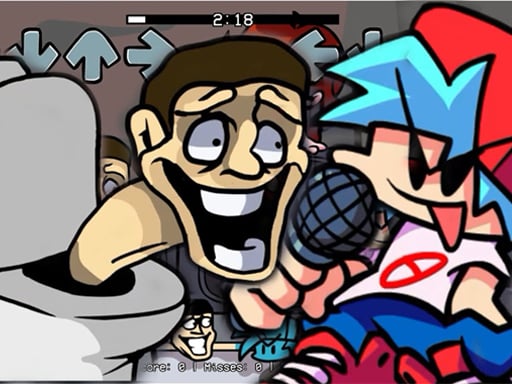
Skibidi Toilet Seasons 3 FNF
Instruction:
Use Mouse To Play or arrow keys in keyboard
Clicker
4.9
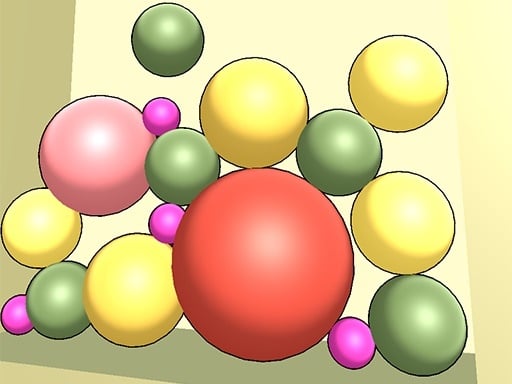
Merge Color 2D
Instruction:
Mouse click or tap to play
Hypercasual
4.1
<
1
2
3
4
5
6
7
8
9
10
11
>